![Logo_Grenton_Main_2020_RGB_v1.0-1.png]](https://knowledgebase.grenton.com/hs-fs/hubfs/Logo_Grenton_Main_2020_RGB_v1.0-1.png?height=50&name=Logo_Grenton_Main_2020_RGB_v1.0-1.png)
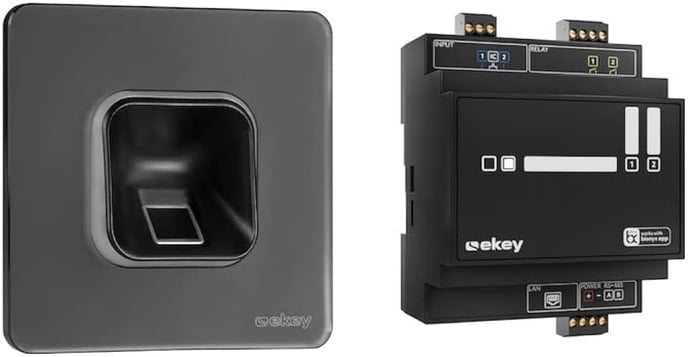
The set of Ekey devices used for integration is:
- Ekey xLine fingerprint reader
- Ekey xLine controller reader
Integration enables:
- reading who authorized the opening of the door
- launching defined scenes after opening the door
- sending a notification about opening the door
Gate Http configuration
- In the first step, prepare the Http Listener object
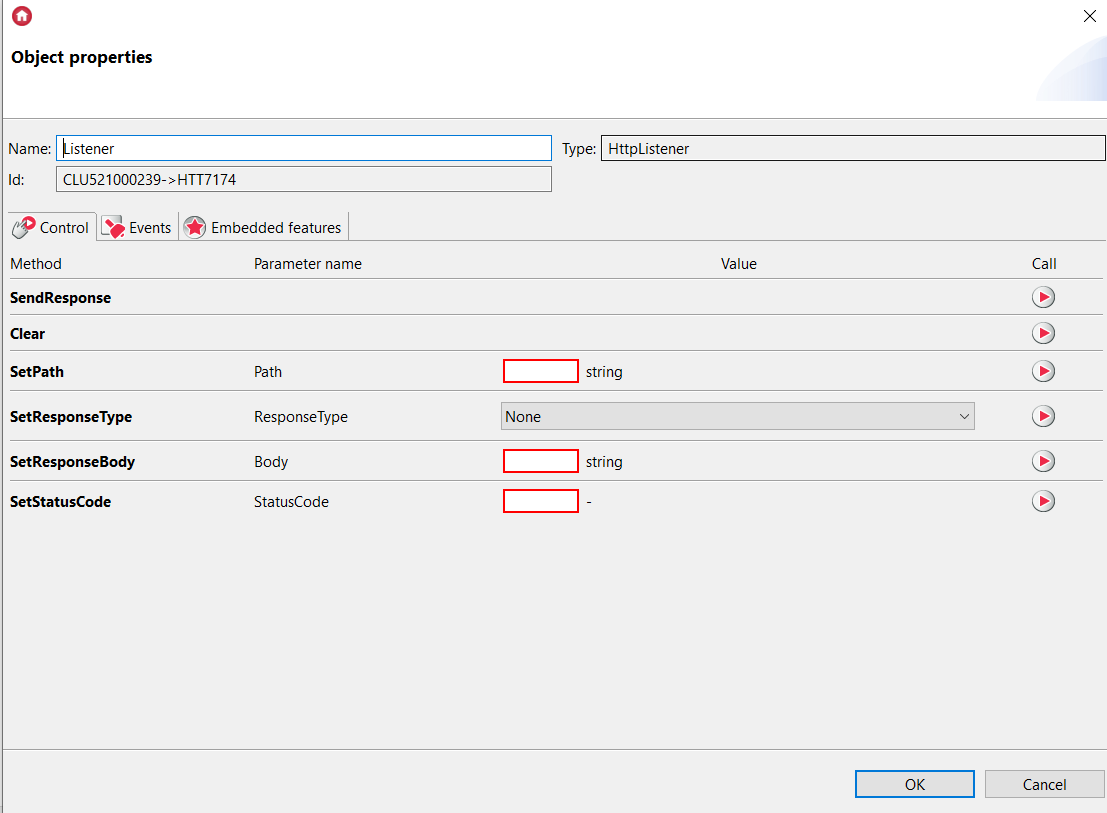
- Then, we add a script to the OnRequest event in the object that will launch the "Back home" scene and confirm receipt of the request from Ekey.
CLU->scen_back_to_home()
Gate_Http->Listener->StatusCode = 200
Gate_Http->Listener->ResponseBody = "OK"
Gate_Http->Listener->SendResponse()
Ekey system configuration
- The reader installation and configuration process is available here and here
- After completing the above steps, we can proceed to create an HTTP(S) Request that will be sent to Gate Http
- Go to the settings in the application and select "Smart home connections"
.jpg?width=225&height=500&name=Screenshot_20231009_111814%20(1).jpg)
- Then we move on to creating the HTTP(S) Request
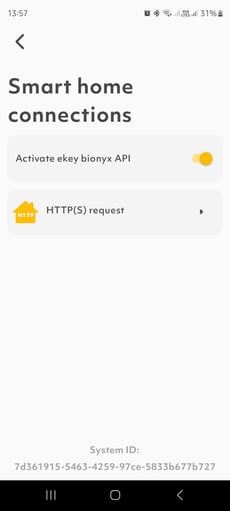
- We fill in the fields as follows:
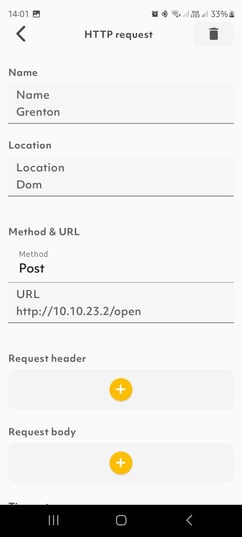
The "Name" and "Location" fields can be filled in freely
Method: POST
URL: http://10.10.23.2/open (Gate Http IP address and Path from our Listener object)
The "Request Header" and "Request Body" may be left blank
Security Level: AllowHttp
Authentication: No authentication
Changes should be saved and go to the main menu and the Users field:
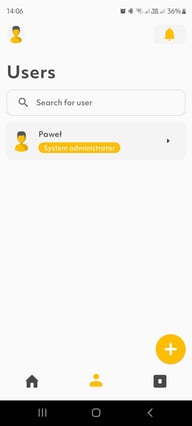
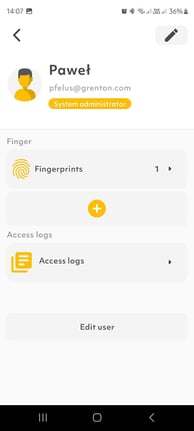
We select "Fingerprint" then "Functions" and add the Http Request that we have prepared.
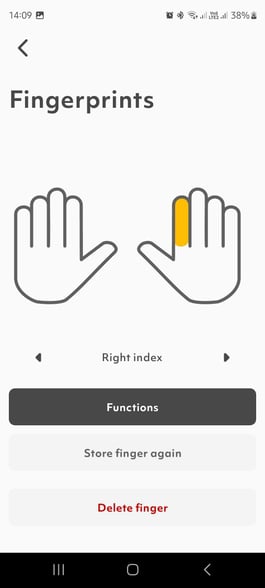
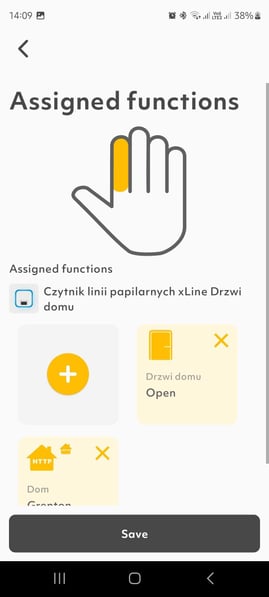
Now, after placing your finger on the reader, a Request will be sent to our Gate Http.