![Logo_Grenton_Main_2020_RGB_v1.0-1.png]](https://knowledgebase.grenton.com/hs-fs/hubfs/Logo_Grenton_Main_2020_RGB_v1.0-1.png?width=200&height=94&name=Logo_Grenton_Main_2020_RGB_v1.0-1.png)
To link the Thermostat virtual object to an Infibity radiator thermostat, follow these steps:
- Create a user feature of
numbertype, which you will later assign as the output of theThermostatvirtual object (thermostat_output).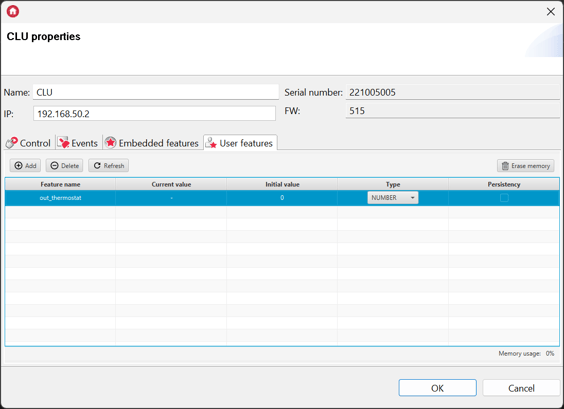
- *If the thermostat’s source is to be the temperature measured by the Infibity radiator thermostat, create another numeric user feature (
source_thermostat).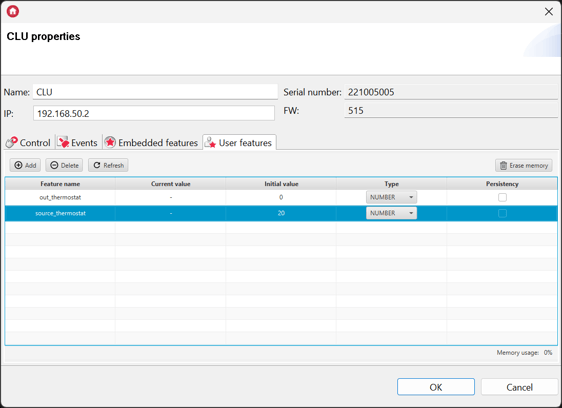
- Create the
Thermostatvirtual objecttherm_infibityusing the user features created earlier: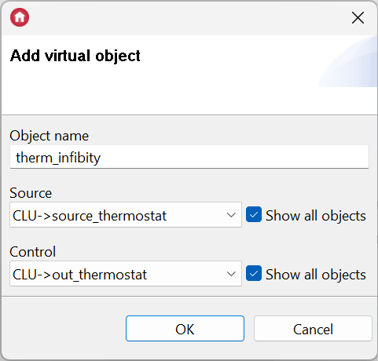
- Go to the
Eventstab ofThermostat, then assign the radiator thermostat'sSetPointValuemethod to theOnChangeevent with a value equal to theThermostat’sPointValue: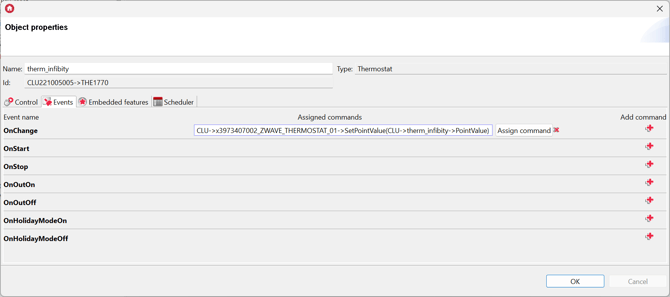
CLU->x3973407002_ZWAVE_THERMOSTAT_01->SetPointValue(CLU->term_infibity->PointValue)
- Go to the
Eventstab of theZWAVE_THERMOSTAT_01object. For theOnTemperatureChangeevent, assign the value from the thermostat’sTemperaturefeature to the previously created user feature (source_thermostat):
CLU->source_thermostat = CLU->x3973407002_ZWAVE_THERMOSTAT_01->Temperature - Upload the configuration to the CLU.
*If the temperature source is a sensor other than the one built into the Infibity radioator thermostat, skip the steps marked with an asterisk.
In this configuration, the Thermostat virtual object itself should operate in manual mode. It is also recommended to adjust the Interval parameter in the ZWAVE_WAKEUP_01 object, which determines the module’s wake-up interval. 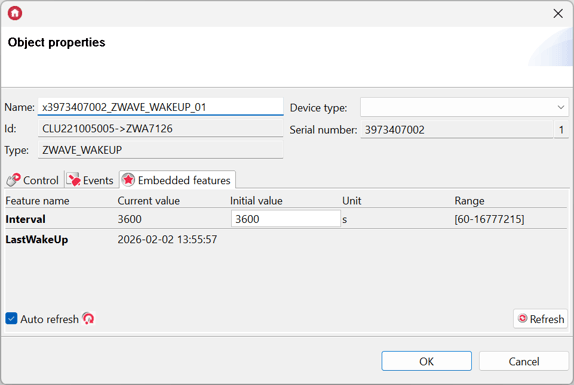
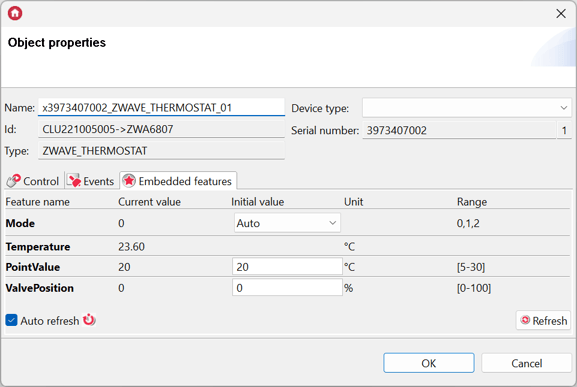
The recommended operating mode for the radiator thermostat is automatic. To ensure that the thermostat is operating in the correct mode, go to the Embedded feature tab of the ZWAVE_THERMOSTAT_01 object and verify that the Mode property is set to Auto.